DriverPack Solution
DriverPack Solution quick and auto-updating of drivers

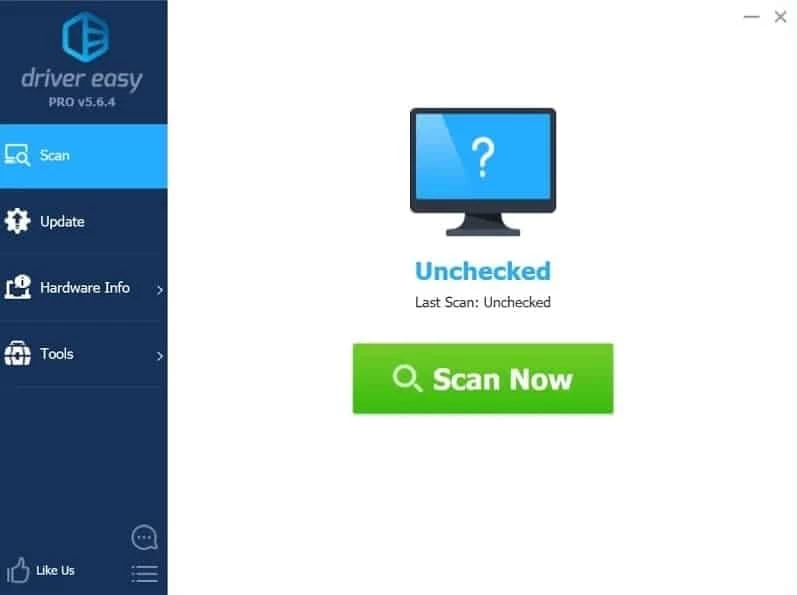
Driver Easy is a comprehensive tool specifically designed for the Windows operating system that enables users to detect, download, and install the drivers for their devices. It offers a quick scanning process for identifying the outdated or missing drivers automatically without any manual hassling. It is simple and quick to use to save your time.
No doubt, searching for drivers after formatting your Windows computer is a tedious and difficult task, but with Driver Easy, you can streamline this tedious function more reliably and maintain the performance and stability of your system.
Driver Easy is a Windows-based driver updater that offers quick maintenance for your system while offering drivers for different hardware, including Audio Devices, Bluetooth Devices, Modems, Wi-Fi cards, and so on. It offers an auto-scanning process for identifying, downloading, and installing drivers for your Windows operating system.
The innovative tool has a vast library of over 8 million certified drivers, while mentioning the source right from the hardware manufacturers. It is lightweight and works like a breeze while consuming very few system resources.
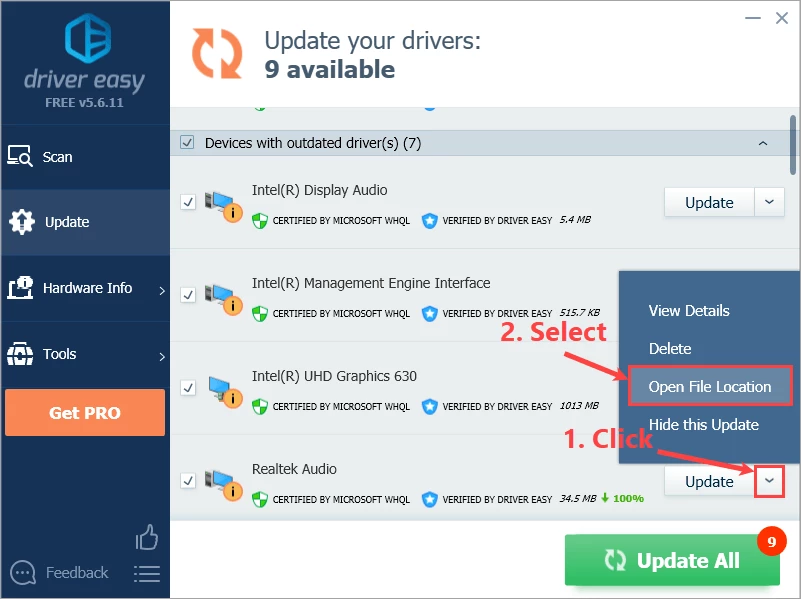
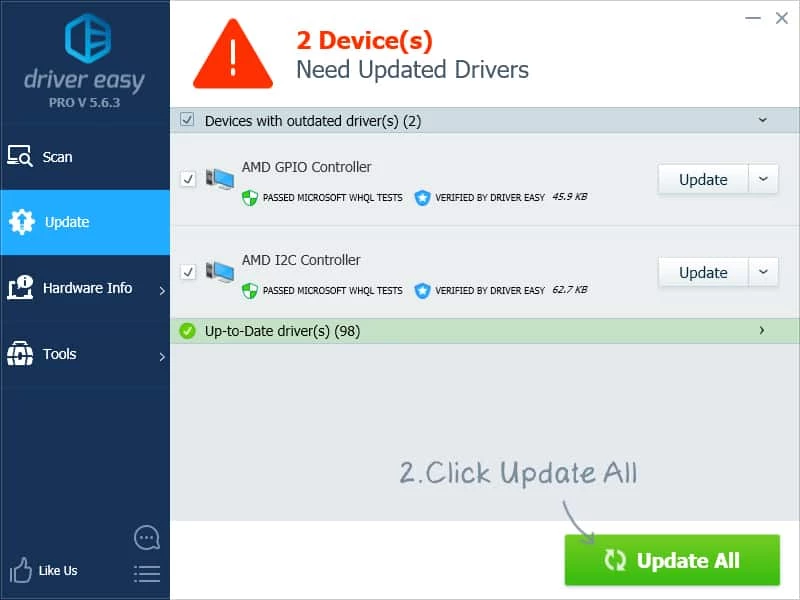
Navigate to the official website to download the installer, or click the Download button from the page, and follow on-screen instructions to install the app on your device. After installation, launch the app, and click to start auto-scanning for detecting the outdated drivers. It will display the list of outdated or missing drivers. You can select your required drivers from the list, and click the ‘Update’ button. The downloading and installation process for drovers will start. After installation, you need to restart the computer.
The app offers a clean and intuitive interface that works similar to other such programs. It also offers straightforward navigation to different features such as drivers scanning, update, hardware check, and so on. The well-organized menu structure makes your scanning and updating process cool and fast, as you find it like transparent with clear explanations and progress indicators. The dashboard is simple and easy to use, even for novice users to scan, flag, and repair system drivers.
It is the best solution for machine that doesn’t have internet connection, as it offers offline services to scan such devices. It is a useful utility to offer troubleshooting process to facilitate the hardware setup without an internet connection. However, you need an internet connection for uploading the downloaded scan results to other devices. In addition, you can use “Offline Scan’ for locating the accurate network driver.
The built-in advanced scheduler is available with customization facility to enable the users to customize it as according to your requirements. So, you are capable to set the time for starting the scanning such as select a specific time of the day, the time the computer is sitting idle, or set the time when you are log in/log out of your computer. The app will wake up the computer and start scanning process for the specified time. It can also be scheduled to stop the scanning in case of detecting a change in the electricity, and convert it to batteries. After scanning, the app will download and install drivers in the background.
The software has a huge hub of database with over 3,000,000 drivers, and allows the users to keep their computer up-to-date and boost the performance, as it update the outdated drivers, and also install the missing one. The entire process is automated, so you need not to spend long hours in searching of the suitable drivers, instead scan, and fix all detected issues.
Besides updating the drivers, the software also helps to create driver backups to enable the users restore them. It helps the users in case of incompatibility issue for drivers. However, you can create backups within internet connection, and the users have to face frustration who have limited or unstable internet access.
While navigating to install your required drivers, you will find a comprehensive comparison between the installed and the drivers you want install. So, you can easily learn about the driver name, manufacturer name, release date, file size, and also the available latest version of the driver. You can also get information about the components of your Windows device as well. In the way, you can easily select the better drivers for your device.
The software is freeware utility, so you can use the free version, but it only allows you to update the drivers. You have to purchase the premium version, if you want to use the advanced features. Moreover, it is a safe to use, as it offers only certified drivers without any threat of malware.
Pros
Cons

DriverPack Solution quick and auto-updating of drivers
DirectX 12 launched by Microsoft very effectively controls the games.
DirectX 11 perform multiple tasks about games, and multimedia programs.

DirectX 10 is increasing the quality of audio and video of ATI and NVIDIA cards.
DirectX 9.0c run and display multimedia apps, audio, 2D, and 3D

3uTools offers jailbreaking and flashing features for your iOS devices.